How to Build a Circle in Minecraft
A simple method that works for any size, from a 7-block well to a 200-block wall. No mods needed.
Why circles are hard in Minecraft
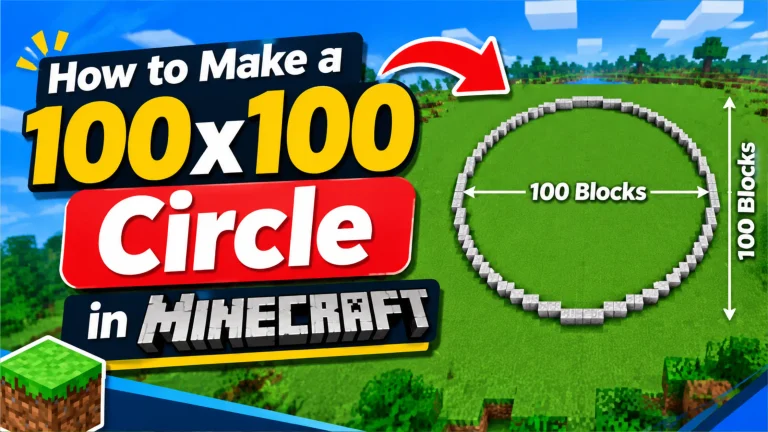
Minecraft blocks are cubes, so a real curve is impossible. A “circle” is really a set of straight runs of blocks that step inward like a staircase. Get one run wrong, and the circle looks lumpy. The trick is to plan the runs before you build.
What you need
- A blueprint: open the free circle generator and enter your diameter.
- A cheap marker block (dirt, wool, or scaffolding) for planning.
- Coordinates turned on: F3 on Java, or “Show coordinates” in Bedrock world settings.
The centre-and-cross method
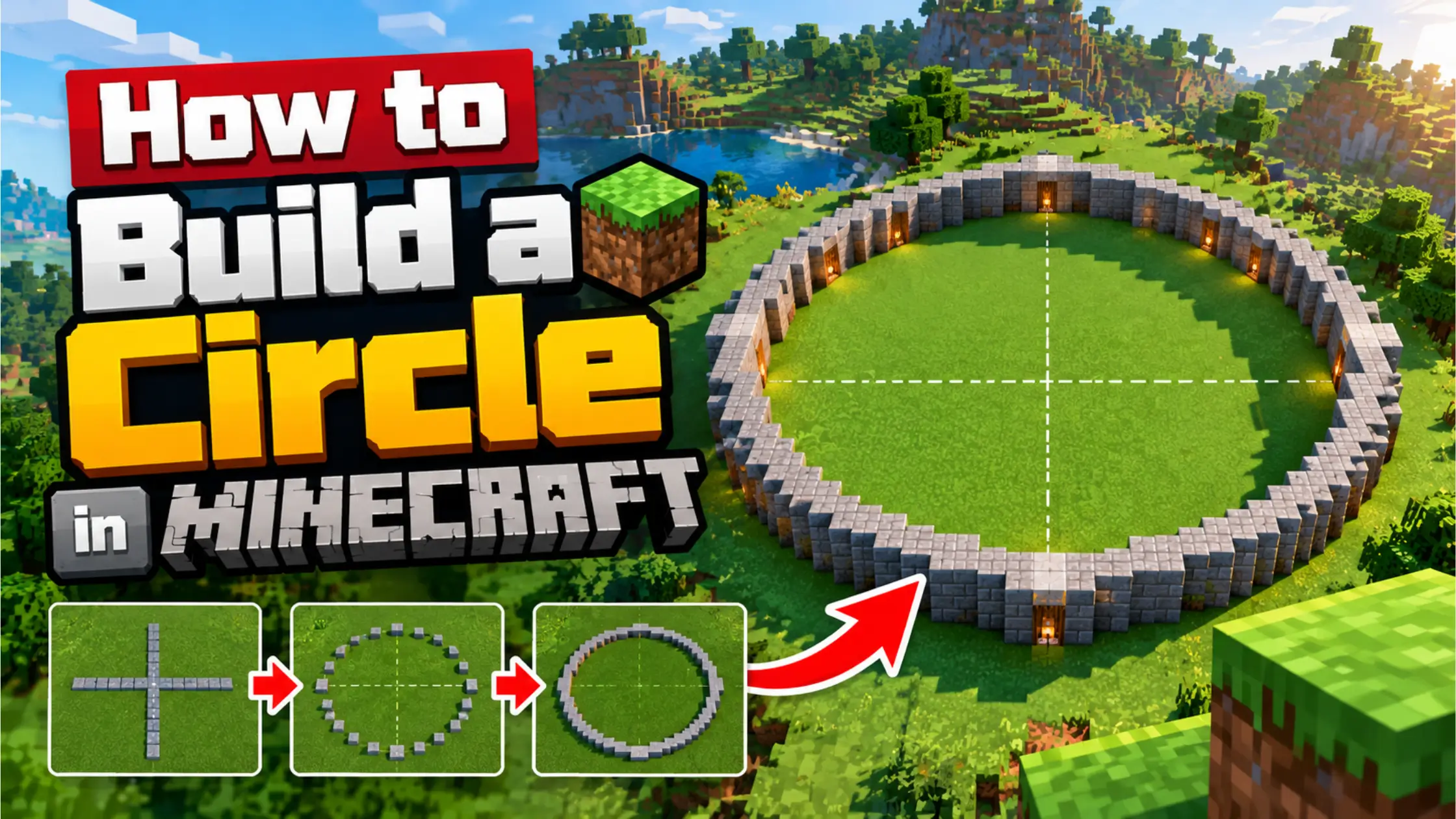
- Place the centre. One block for an odd diameter, a 2×2 square for an even one. Write down the X and Z coordinates.
- Build a cross. From the centre, build a straight line of marker blocks north, south, east and west. Each arm is the radius long. For a 21-block circle, that’s 10 blocks out from the centre block.
- Place the end caps. At the end of each arm, the blueprint shows a flat run of blocks (for 21 it’s 7 blocks). Centre that run across the end of the arm.
- Fill one quarter. Follow the staircase from the north cap to the east cap. Turn on “Show run lengths” in the generator: you’ll see something like 7, 2, 1, 1, 1… Each number is a straight run.
- Mirror it. Repeat the same runs in the other three quarters. Everything is symmetrical.
- Check from above, then remove the cross and swap marker blocks for your final material.
Odd or even?
Choose odd if your build needs a single centre block: a beacon, a central pillar, a 1- or 3-wide doorway. Choose even for 2-wide doors and 2×2 pillars. If you aren’t sure, pick odd.
Good sizes to start with
Under 7 blocks, circles look like diamonds or plus signs. These sizes look clearly round and are easy to build:
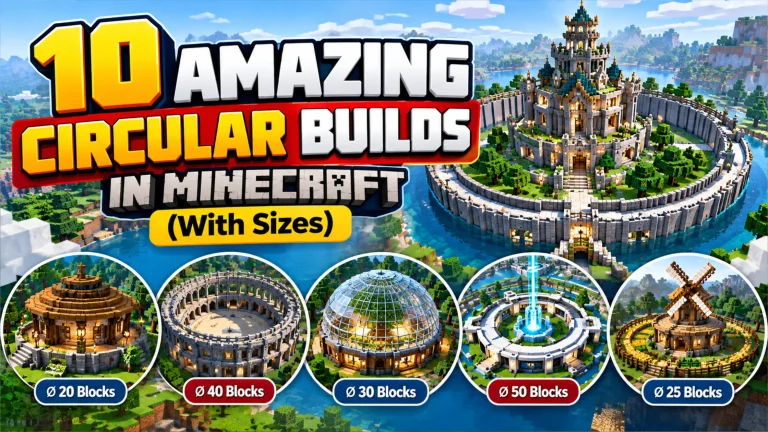
- 9 – well, fountain, lamp post base
- 13–15 – small tower
- 21 – tower with rooms, portal ring
- 31 – big tower base, small arena
See all sizes on the circle chart.
Taking it further
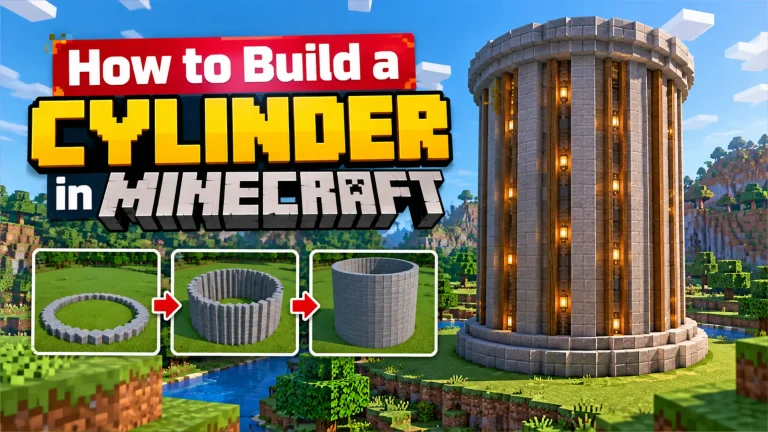
- Towers: stack the same circle. Set a height in the generator to count the blocks. Ideas in our tower designs guide.
- Domes and spheres: different circles on each layer – use the dome and sphere generators.
- Huge circles: download the .litematic file and follow the Litematica guide.
Frequently asked questions
What is the easiest way to make a circle in Minecraft?
Use a circle generator for the blueprint, mark the centre and a cross to the four edges, build one quarter and mirror it.
How do you make a circle without a generator?
Draw a cross from the centre, then step inward using runs that get shorter toward the diagonal and longer again after it. It works for small circles but a generator is much faster and more accurate.
How do I make a circle on Bedrock or mobile?
The same way. Turn on coordinates in world settings and keep the generator open in your phone browser while you play.