
Minecraft Pixel Art Generator
Upload a picture and turn it into a Minecraft pixel art blueprint. Pick the size and block palette, then build it with a full materials list.
Any imageWool, concrete, terracottaDitheringMaterials list
Image
Showing a sample image. Upload your own.
Width in blocks64
Palette
Blocks0
Size0
Total blocks0
Stacks of 640
Materials list
How to make Minecraft pixel art
- Upload an image. Simple images with bold colours work best – logos, sprites, emojis.
- Choose the width in blocks. 64–128 is a good size for detailed art.
- Pick a palette. Wool and concrete are bright; terracotta is earthy. “All” gives the most accurate colours.
- Turn on dithering for photos and gradients.
- Collect the materials from the list and build row by row.
Your image never leaves your device – everything runs in your browser.
Tips
- Build pixel art vertically against a wall, or flat on the ground to see it from the sky (or on a map).
- Use Builder mode to tick off blocks.
- Crop the image so the subject fills the frame.
More Minecraft generators
Circle generatorCircles, ovals and towers up to 256 blocks.Sphere generatorLayer-by-layer spheres.Dome generatorRoofs and biodomes.Star generatorStars with 3 to 12 points.Heart generatorPixel hearts of any size.Spiral generatorFlat spirals for paths and floors.Spiral staircaseRound stairs layer by layer.Beacon pyramidEvery beacon level and block count.
Frequently asked questions
Is my image uploaded to a server?
No. The picture is processed in your browser only.
What blocks are best for pixel art?
Concrete and wool for bright colours; terracotta for natural tones.
Building guides
- How to Make a 100×100 Circle in Minecraft
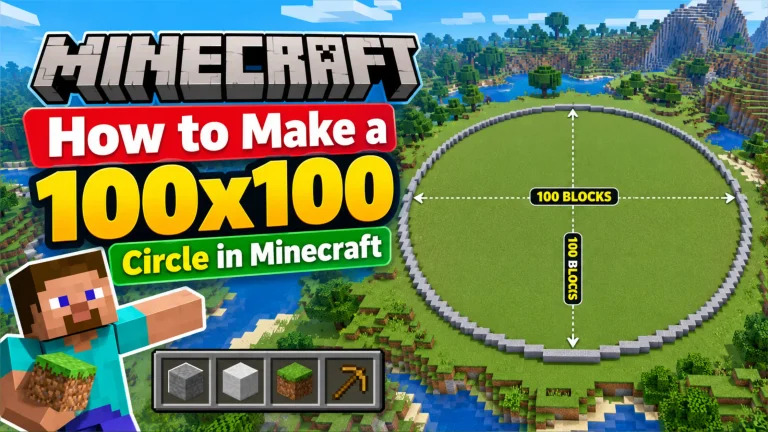 How to make a 100×100 circle in Minecraft: block counts, the exact layout method, and how to build huge circles in survival or with WorldEdit.
 - How to Build an Arch in Minecraft
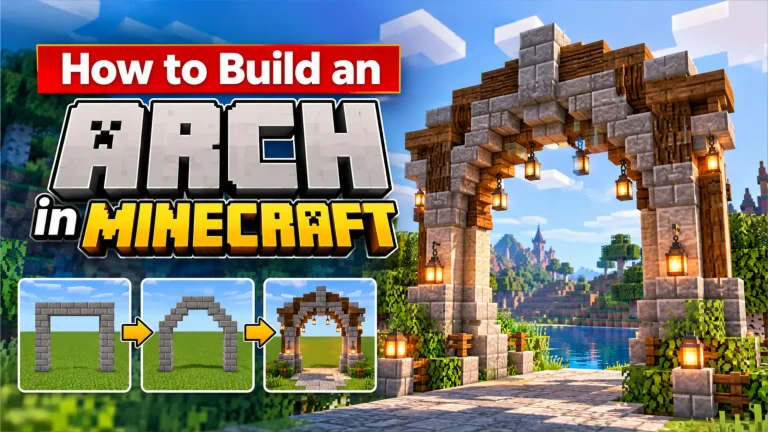 Learn how to build round, pointed and stone arches in Minecraft for doorways, bridges and tunnels, using an oval blueprint and stairs.
 - How to Build a Pyramid in Minecraft
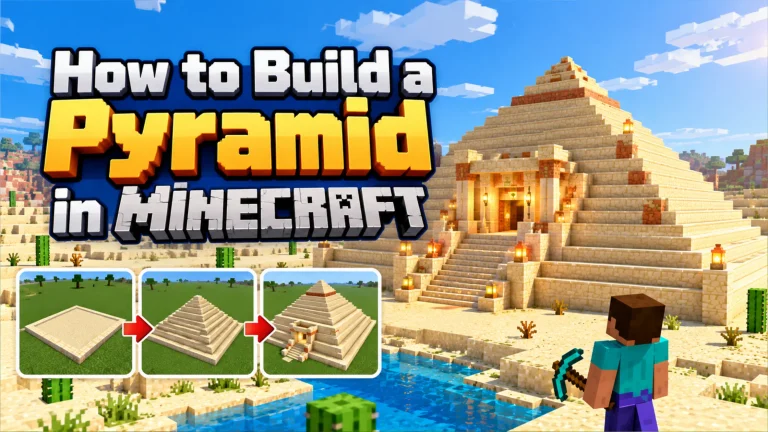 Build a pyramid in Minecraft step by step: pick an odd base size, shrink each layer by two, count blocks, and add a hidden tomb inside.
 - How to Build a Tower in Minecraft (Round & Square)
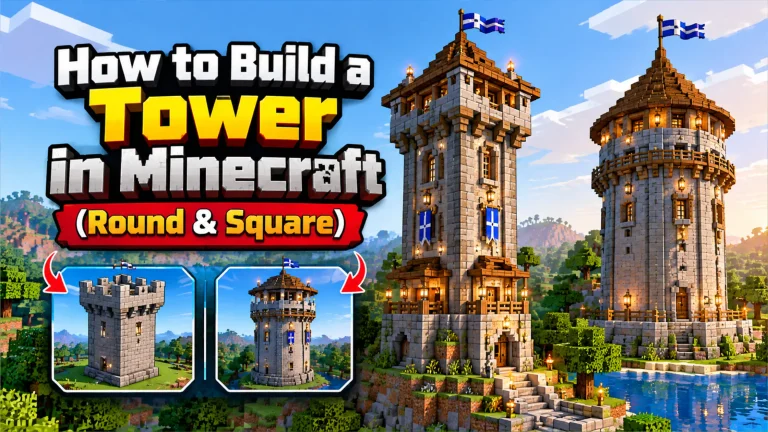 How to build a tower in Minecraft: choose round or square, plan the size, build walls, stairs and floors, and finish with a great roof.
 - How to Build a Cylinder in Minecraft
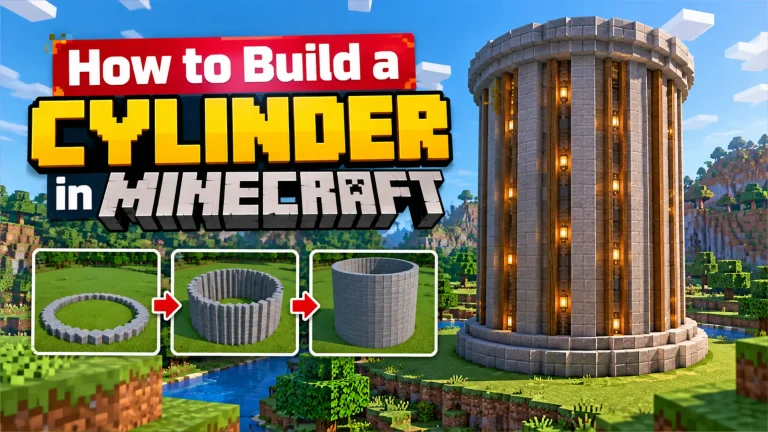 How to build a cylinder in Minecraft: plan the circle, stack it to the right height, count blocks and use the WorldEdit //cyl command.
 - Minecraft Stadium Build Guide: Arenas & Colosseums
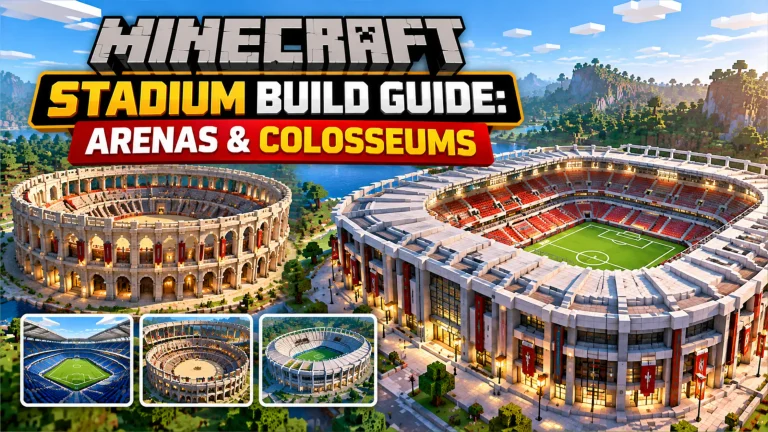 Build a Minecraft stadium, PvP arena or colosseum step by step: oval sizes, tiered seating, entrances, lighting and decoration ideas.